2025College
Simon Sees
Procedurally animated horror game
- Unity
- C#
- Animation Rigging
- IK
At a glance
- First-person psychological horror game built around memory, obedience, and randomized task execution.
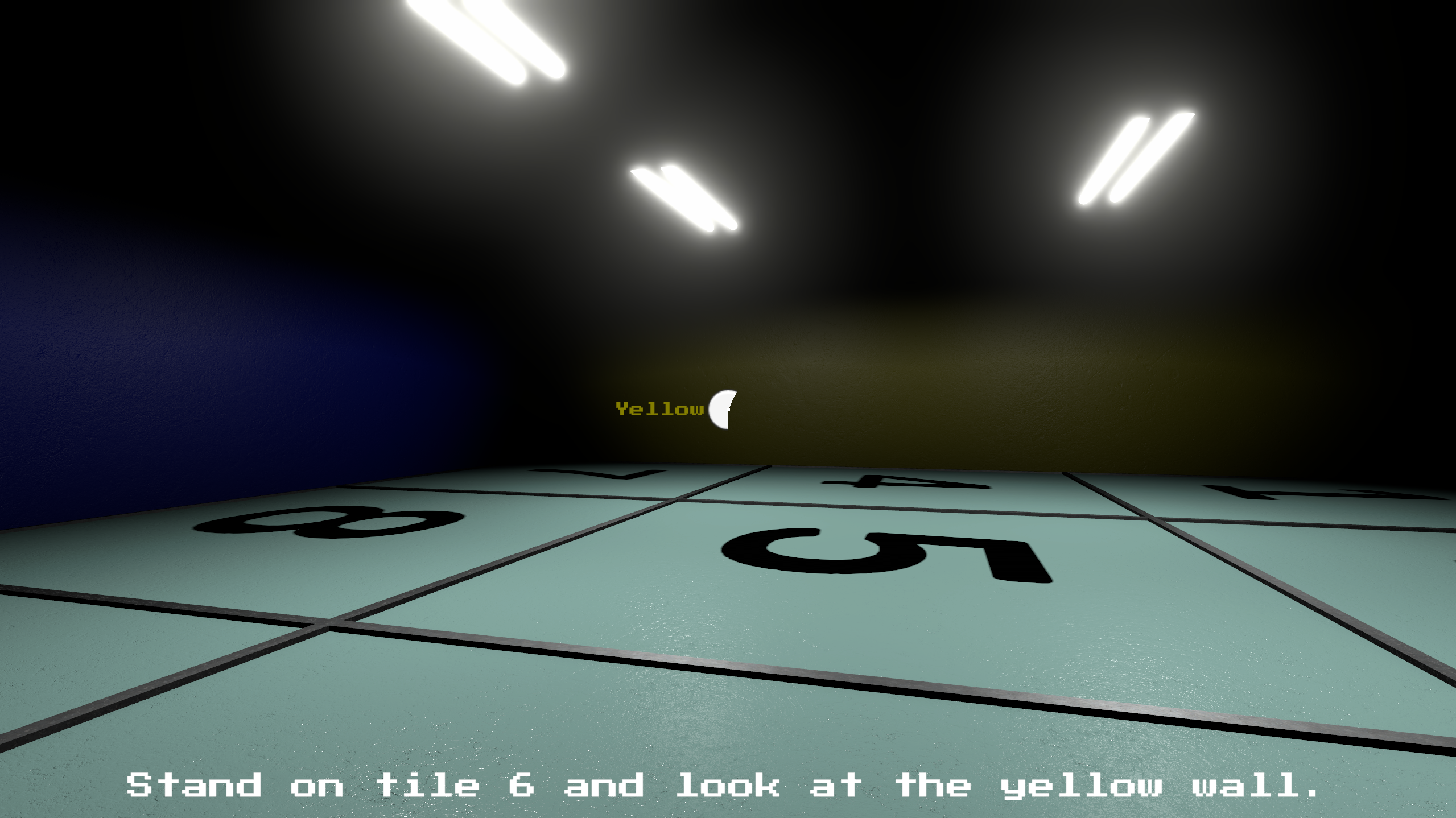
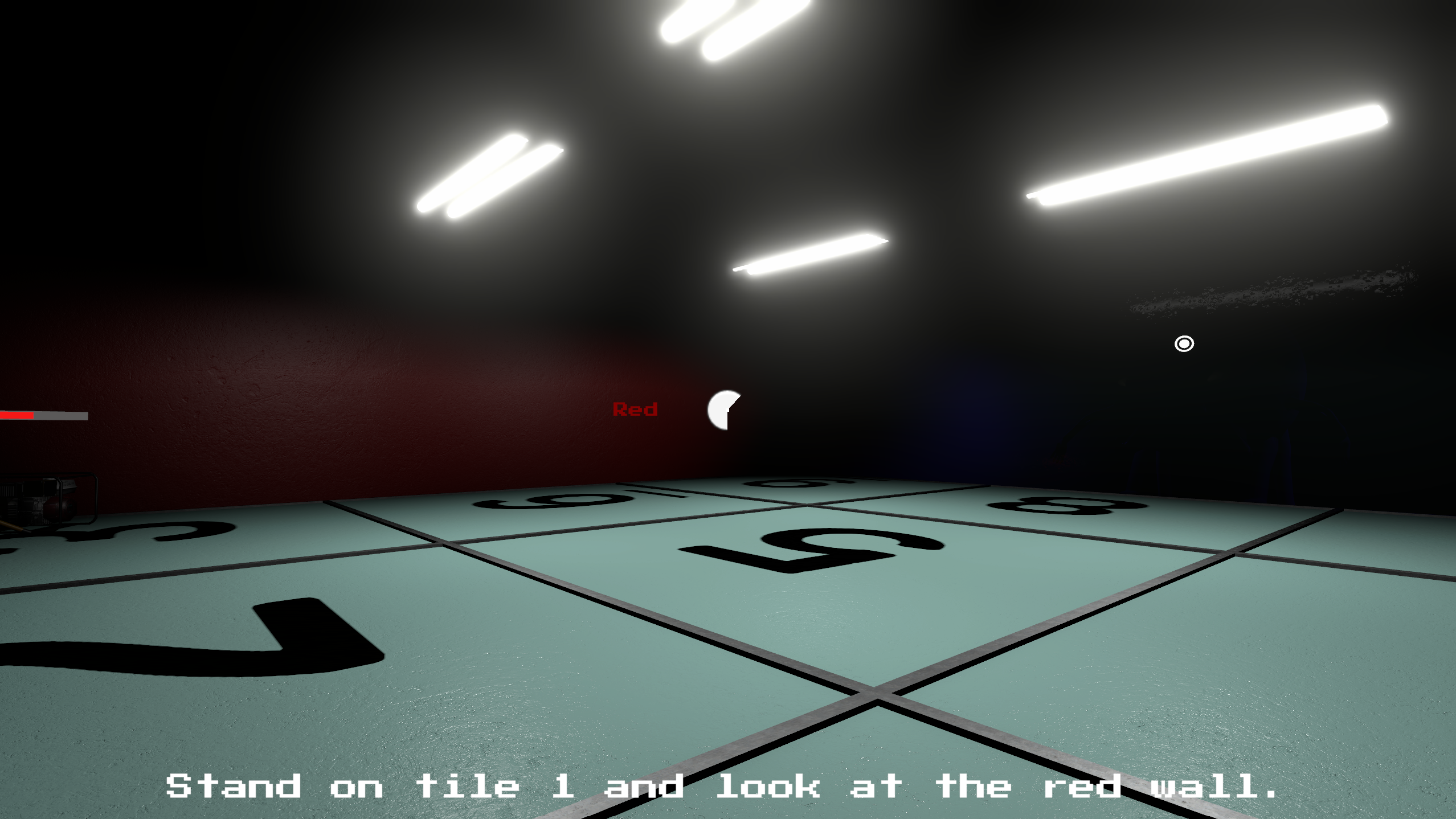
- Dynamic systems for tile shuffling, wall color randomization, and Roman numeral transformations.
- Procedurally animated antagonist using Unity's Animation Rigging and IK systems.
- Raycast-based detection with UI reticle to validate wall color and tile interactions.
- Custom coroutines for gameplay state and progressive difficulty scaling based on task success.
A first-person horror game that inverts a familiar children's rule-set: in Simon Says the threat is social embarrassment, in Simon Sees the threat is a physical presence in the room with you. The dread emerges not from the unknown but from breaking a rule you fully understand.
Purpose
The goal of this project was to translate a familiar, low-stakes children's game into a horror experience by inverting its core tension. In Simon Says, the threat is social embarrassment; in Simon Sees, the threat is a physical presence in the room with you. We wanted to explore how horror can emerge from rules the player already knows, where dread comes not from the unknown but from breaking a rule you fully understand.
Beyond the design experiment, the project served as a hands-on opportunity to:
- Practice end-to-end production of a small game, from prototype to packaged build.
- Apply concepts from class (scene management, animation, audio mixing, lighting, and gameplay scripting) in a single cohesive product rather than isolated exercises.
- Collaborate as a team on a shared Unity project, navigating the realities of source control, asset conflicts, and merging work across contributors.
Development process
The project was developed in Unity (URP) using C# and built around several interconnected systems:
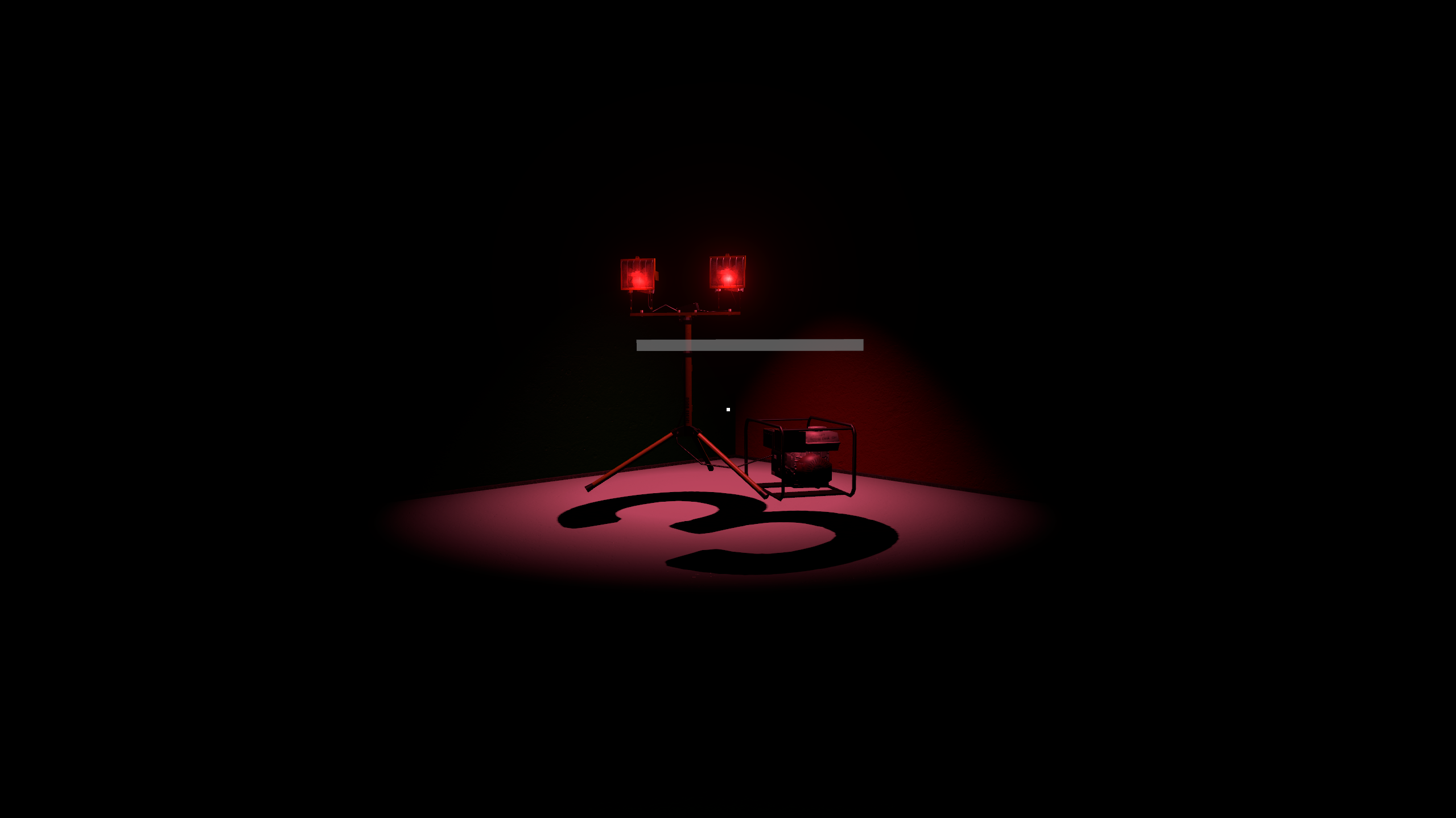
- 1. Pre-production and design. We started by defining the core loop: the player must keep a generator running (a timing-based mini-game) while obeying Simon's color cues on the floor tiles. Looking at the wrong tile, or running out of power, escalates the threat. We mapped out scenes early (Menu, Game, Jumpscare, FailScene, and SuccessCutscene) so each team member could own a slice of the experience.
- 2. Core gameplay systems. Implementation was broken into focused scripts, each owning a single responsibility:
PlayerMovement,MouseLook,HeadBob, andWallDetectionfor first-person traversal.TileControllerandTilefor the Simon-style color memory mechanic.GeneratorControllerandMiniGameControllerfor the timing-based power-restoration mini-game.Simon,EyeTracking, andProceduralLegManagerto make the antagonist feel reactive: he tracks the player's position with his eyes and shifts forward as the player accumulates errors.LightsFlickering,Announcer, and theAudioMixerfor atmosphere. - 3. Atmosphere and presentation. Horror lives or dies on presentation, so significant time went into lighting (URP spotlights tied to the generator state), audio layering (ambient, voice lines, idle/start/stop sounds for the generator), and Timeline-driven cutscenes for the success and fail outcomes. The jumpscare was implemented as a dedicated scene transition (
SimonJumpscare, Jumpscare Scene Transition) to keep its triggering logic isolated and reliable. - 4. Iteration and polish. Late in development we focused on Simon's texture and animation pass, the jumpscare integration, and final build settings: tuning the experience so the pacing of escalation and payoff actually landed. Playtesting drove most of these changes; numbers like generator drain rate, bob frequency, and the threshold for Simon's movement were tuned by feel rather than spec.
- 5. Collaboration. The team coordinated through GitHub, with feature branches for individual contributions and pull requests for integration. Working in a shared Unity project taught us as much about scene merging and asset discipline as it did about gameplay programming.
Tech stack
- Engine: Unity (Universal Render Pipeline)
- Language: C#
- Tools: Unity Timeline, ProBuilder, TextMesh Pro, Unity AudioMixer
- Source control: Git / GitHub